환경
labtop gpu 5080. cuda version 13.0
buntu 24.04.3 LTS
podman 4.9.3
Python 3.12.3
1. SD.Next 이미지 빌드
$ git clone https://github.com/vladmandic/automatic sdnext
$ cd sdnext
$ cp configs/Dockerfile.cuda Dockerfile
$ podman build -t sdnext-image .
STEP 1/28: FROM pytorch/pytorch:2.8.0-cuda12.8-cudnn9-runtime
Resolved "pytorch/pytorch" as an alias (/home/chloe/.cache/containers/short-name-aliases.conf)
Trying to pull docker.io/pytorch/pytorch:2.8.0-cuda12.8-cudnn9-runtime...
Getting image source signatures
Copying blob 66587c81b81a done   |
Copying blob 66587c81b81a done   |
Copying blob 653c16bb1f7b done   |
Copying blob 27f025450560 done   |
Copying blob fe02679948c8 done   |
Copying blob 4f4fb700ef54 skipped: already exists
Copying config b207853503 done   |
Writing manifest to image destination
STEP 2/28: LABEL org.opencontainers.image.vendor="SD.Next"
--> 970b04d6e8c3
STEP 3/28: LABEL org.opencontainers.image.authors="vladmandic"
--> 4000a1cf6888
STEP 4/28: LABEL org.opencontainers.image.url="https://github.com/vladmandic/sdnext/"
...
$ podman images
REPOSITORY                           TAG                            IMAGE ID      CREATED         SIZE
localhost/sdnext-image               latest                         1e81c6c66a71  50 seconds ago  10.9 GB
2. 디렉토리 생성 및 컨테이너 실행.
$ mkdir -p $HOME/stable_diffusion_next/sdnext-data/{models,outputs,extensions}
$ ls $HOME/stable_diffusion_next/sdnext-data/
extensions  models  outputs

$ podman run -d --name sdnext \
  --device nvidia.com/gpu=all \
  --security-opt label=disable \
  -p 7860:7860 \
  -v $HOME/stable_diffusion_next/sdnext-data/models:/mnt/models \
  -v $HOME/stable_diffusion_next/sdnext-data/outputs:/mnt/outputs \
  -v $HOME/stable_diffusion_next/sdnext-data/extensions:/mnt/extensions \
  sdnext-image

or

$ podman run -d --name sdnext --replace \
  --device nvidia.com/gpu=all \
  --security-opt label=disable \
  -p 7860:7860 \
  -v $HOME/stable_diffusion_next/sdnext-data/models:/mnt/models \
  -v $HOME/stable_diffusion_next/sdnext-data/outputs:/mnt/outputs \
  -v $HOME/stable_diffusion_next/sdnext-data/extensions:/mnt/extensions \
  sdnext-image


$ podman ps
CONTAINER ID  IMAGE                                COMMAND               CREATED        STATUS        PORTS                   NAMES
ea5900afe44d  localhost/sdnext-image:latest        python launch.py ...  7 seconds ago  Up 7 seconds  0.0.0.0:7860->7860/tcp  sdnext
$
http://localhost:7860/
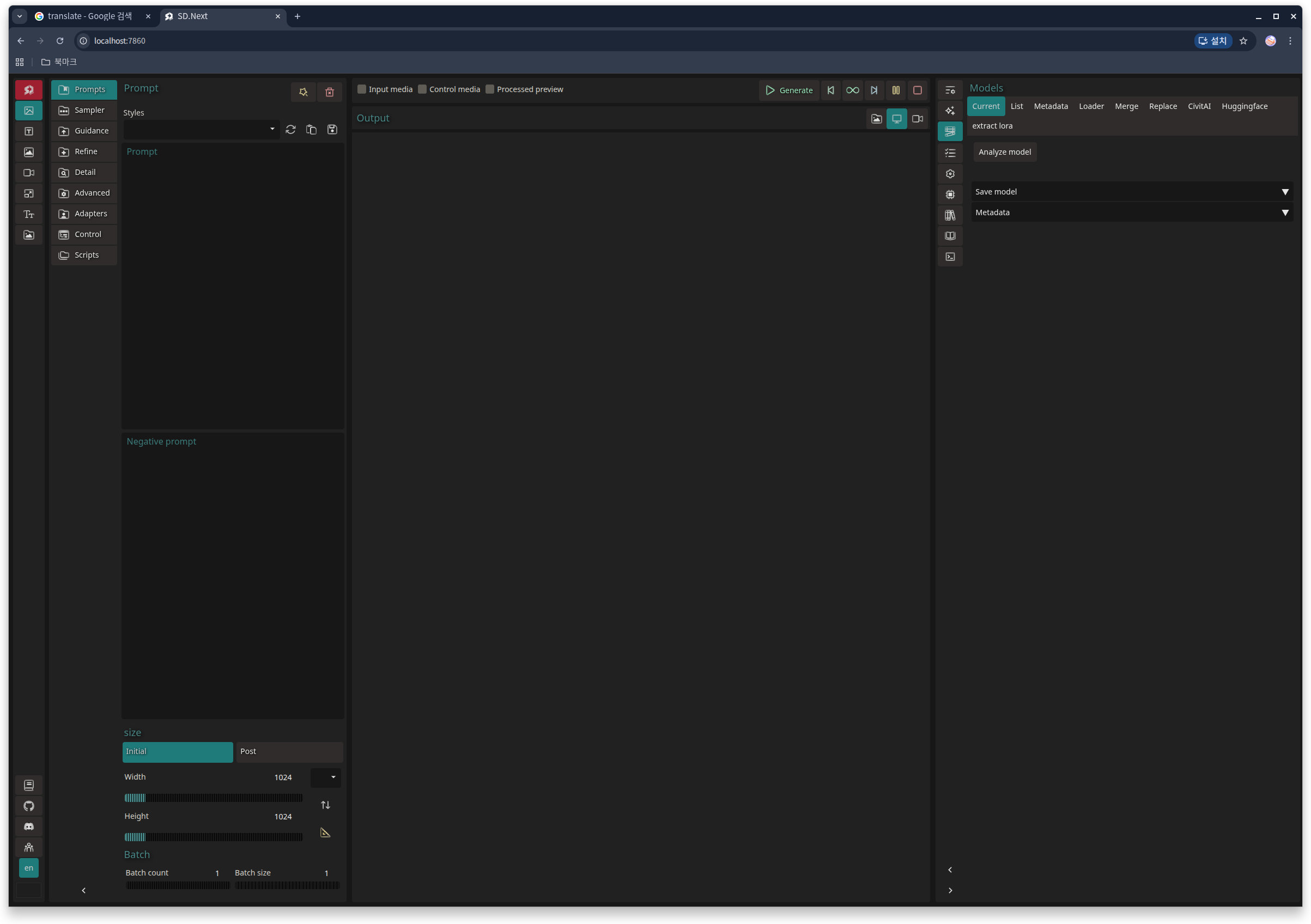
models 안에 디렉토리가 생성되어있는지 확인한다.
chloe@chloe:~/stable_diffusion_next/sdnext-data/models$ ls
Codeformer  ESRGAN  LDSR  ONNX        SCUNet   Stable-diffusion  Text-encoder  VAE       control     huggingface  tunable    yolo
Diffusers   GFPGAN  Lora  RealESRGAN  SeedVR2  SwinIR
$
prompt 에 cat 이라고 입력하고 Generate 를 클릭한다. 이미지가 생성 안될거다. model이 없어서다.
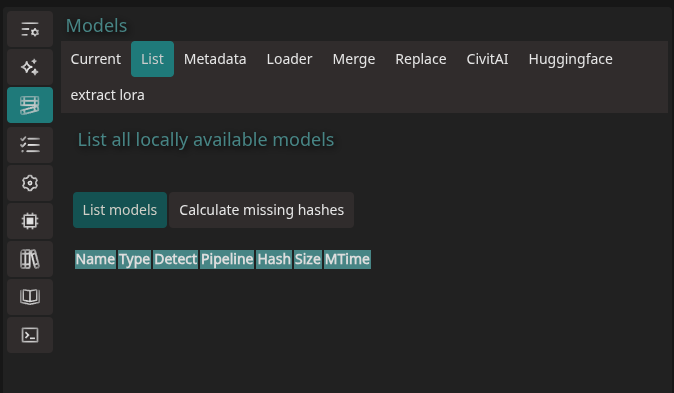
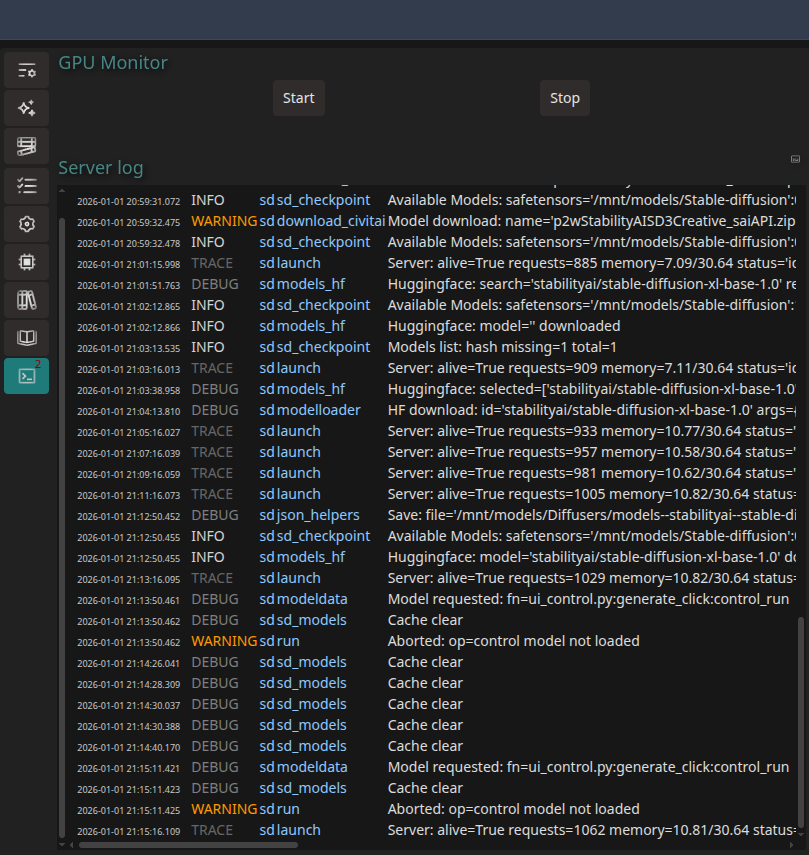
3. Model (check point) 다운로드. (확장자는 .safetensors)
3.1 SD.Next 에서 검색.
검색어에 원하는 모델 입력 : DreamShaper XL, 하단에 dreamshaperXL_lightningDPMSDE.safetensors 클릭.
다운받은 파일을 Stable-diffusion 디렉토리에 copy
chloe@chloe:~/stable_diffusion_next/sdnext-data/models/Stable-diffusion$ ls
dreamshaperXL_lightningDPMSDE.safetensors

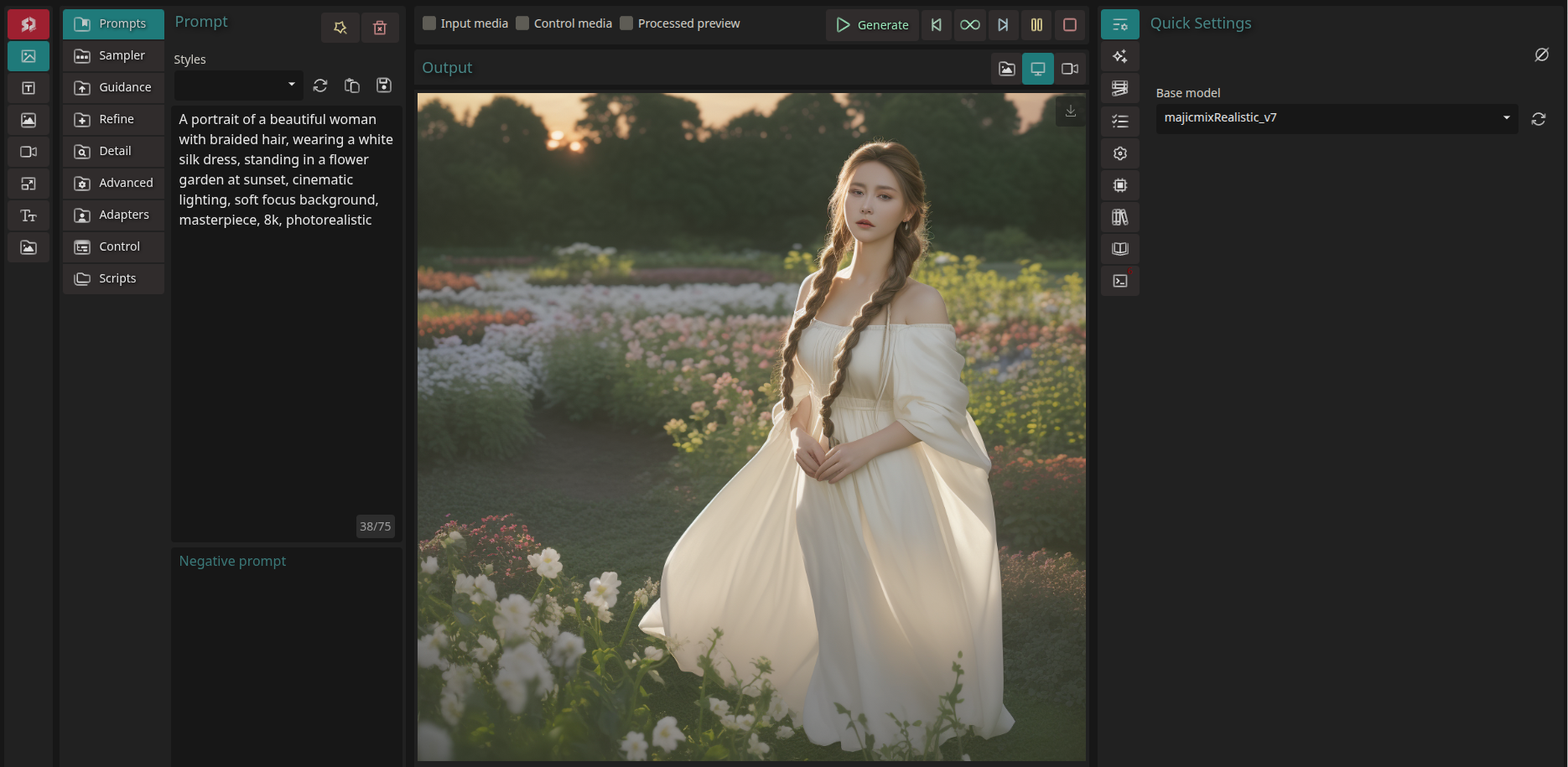
Quick Settings 에서 Refresh -> dreamshaperXL_lightningDPMSDE 선택.
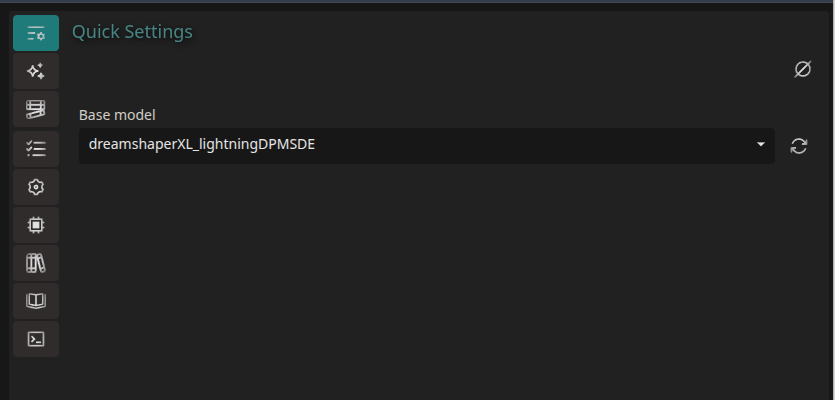
프롬프트 : A portrait of a beautiful woman with braided hair, wearing a white silk dress, standing in a flower garden at sunset, cinematic lighting, soft focus background, masterpiece, 8k, photorealistic

A portrait of a real young girl with black hair, wearing a white silk dress, standing in a flower garden at sunset, cinematic lighting, soft focus background, masterpiece, 8k, photorealistic

영문과 한글
A beautiful woman with long black hair, wearing a white dress, stands on the beach. Standing. Cinematic lighting and soft background, a masterpiece, 8K, realistic image.
검은 긴머리를 한 아름다운 여인이 흰색 드레스를 입고, 해변에 서 있다. 서 있는 모습. 영화 같은 조명과 부드러운 배경, 걸작, 8K, 사실적인 이미지.
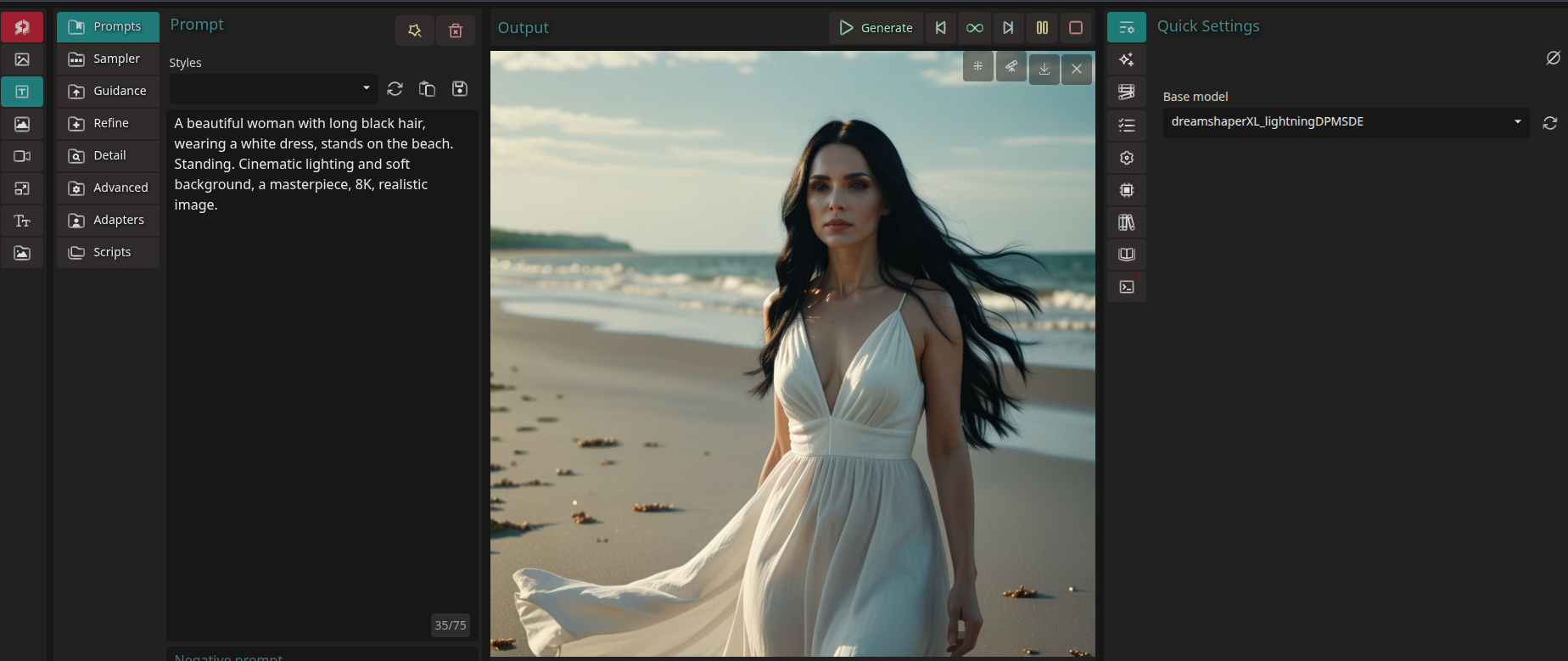

모델을 바꾸었을때
3.2 수동 다운로드
3.2.1 wget
# SDXL 1.0 Base 모델 다운로드
wget https://huggingface.co/stabilityai/stable-diffusion-xl-base-1.0/resolve/main/sd_xl_base_1.0.safetensors
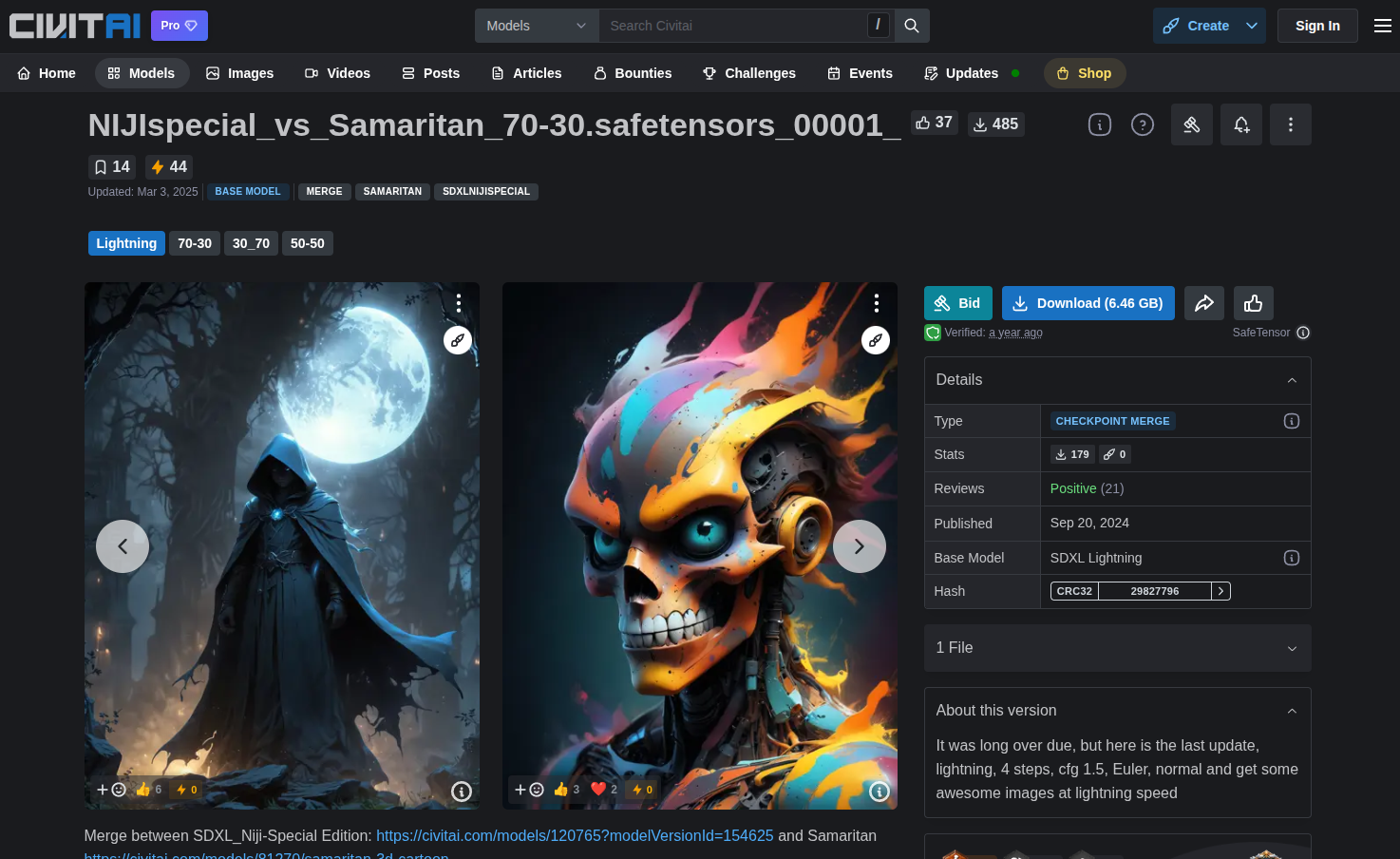
3.2.2 civitai 에서 직접 다운로드
4. 이미지 만들어보기
1. 실패 없는 프롬프트 기본 공식
프롬프트는 [핵심 주제] + [상세 묘사] + [배경/조명] + [스타일/화질] 순서로 작성하는 것이 가장 좋습니다.

예시: A beautiful woman, wearing a white silk dress, standing in a flower garden, sunset lighting, masterpiece, 8k, highly detailed

2. 스타일별 추천 프롬프트 (복사해서 써보세요)
① 실사 (Photorealistic)
가장 인기가 많은 실사 스타일입니다. 카메라 용어를 섞어주면 훨씬 사실적으로 변합니다.

Prompt: Photorealistic, a cyber punk city street at night, neon lights, rain on the ground, cinematic lighting, 8k resolution, shot on 35mm lens, sharp focus

Negative: drawing, anime, cartoon, blurry, low quality, bad anatomy

② 애니메이션/일러스트 (Anime/Illustration)
캐릭터의 특징과 특정 화풍을 지정하는 것이 중요합니다.

Prompt: 1girl, solo, long silver hair, blue eyes, magical forest background, glowing particles, makoto shinkai style, high resolution, vibrant colors

Negative: realistic, 3d, photorealistic, bad proportions

③ 환상적인 풍경 (Fantasy Landscape)
공간의 분위기를 결정하는 형용사를 많이 사용하세요.

Prompt: Floating islands in the sky, massive waterfalls, dragons flying in the distance, ethereal lighting, epic scale, concept art, trending on artstation

3. 꼭 넣어야 할 "마법의 단어" (Quality Tags)
프롬프트 뒷부분에 아래 단어들을 추가하면 전체적인 퀄리티가 올라갑니다.

화질 관련: masterpiece, best quality, highres, extremely detailed

조명 관련: cinematic lighting, soft lighting, volumetric fog

질감 관련: intricate details, sharp focus, highly textured

4. 네거티브 프롬프트 (Negative Prompt)
나오지 말아야 할 것을 적는 칸입니다. SD.Next에서는 아래 내용을 기본으로 넣어두는 것이 좋습니다.

lowres, bad anatomy, bad hands, text, error, missing fingers, extra digit, fewer digits, cropped, worst quality, low quality, normal quality, jpeg artifacts, signature, watermark, username, blurry
1. 실사.

2. 애니메이션/일러스트
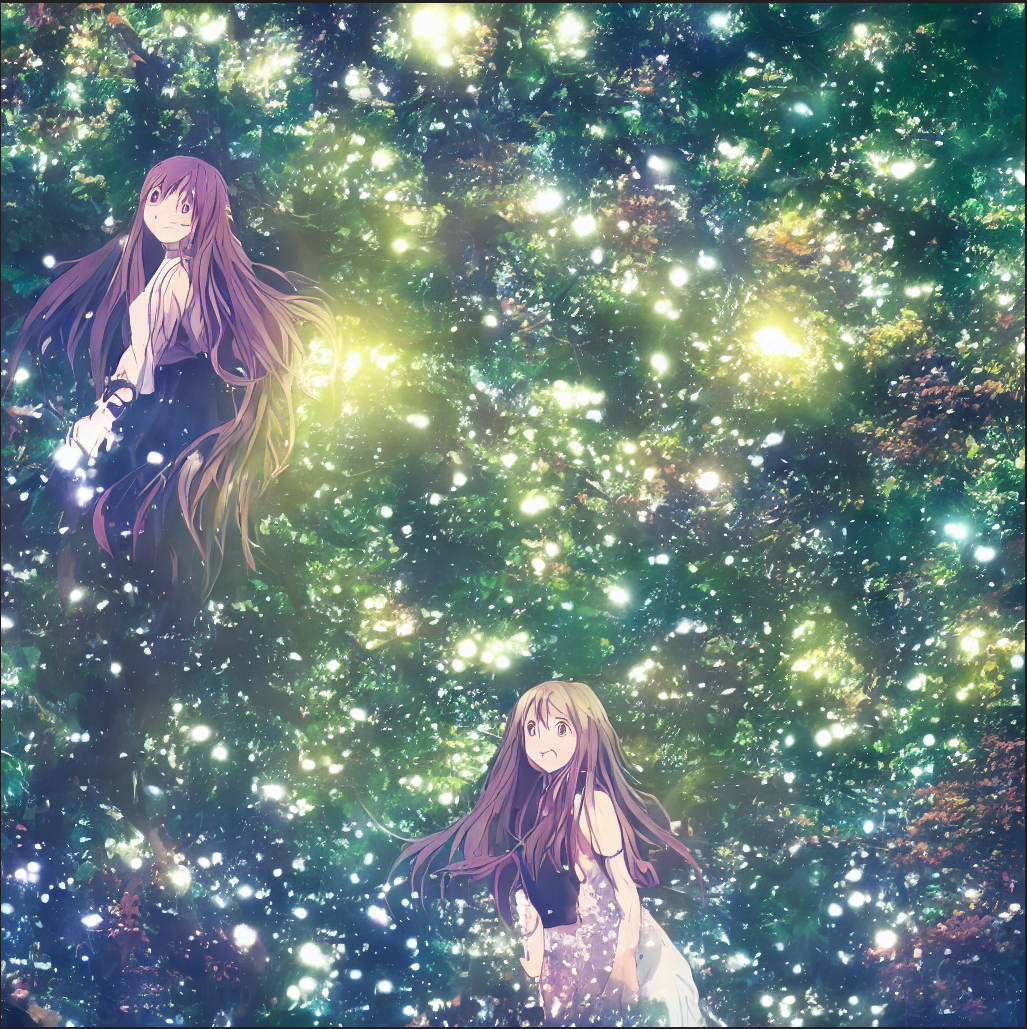
3. 환상적인 풍경

** 영상 다운로드
핵심 모델 유형
SVD (Stable Video Diffusion): 현재 가장 대중적인 오픈소스 비디오 생성 모델입니다. (SVD-XT 등)
AnimateDiff: 텍스트-비디오 변환 시 가장 많이 쓰이는 프레임워크입니다.
ZeroScope: 비디오 생성에 특화된 모델로, 특정 해상도에서 좋은 성능을 냅니다.
CogVideo / Mochi: 최신 고성능 비디오 모델들을 찾을 때 유용합니다.
https://huggingface.co/youyiwuyi/mm_sd15_v3/tree/main
youyiwuyi/mm_sd15_v3 at main
huggingface.co
798M
models > AnimateDiff > mm_sd15_v3.safetensors 을 넣음. 어디서도 이 모델을, 선택하진 못함.
하지만 아래와 같이 진행함.
Prompt

a simple character standing still,
gentle breathing motion,
stable camera,
smooth animation


Negative prompt

camera shake, flicker, distortion


Prompt: 3d print 3d print a simple character standing still,
 gentle breathing motion, stable camera, smooth animation
Negative: camera shake, flicker, distortion
Parameters: Steps: 50| Size: 832x480| Seed: 2680333680| CFG scale: 1.0
 | App: SD.Next| Version: 56a8aea| Pipeline: HunyuanVideo15Pipeline
 | Operations: video| Model: HunyuanVideo-1.5-Diffusers-720p_t2v
'AI > stable diffusion' 카테고리의 다른 글
| 너를 그리며 (0) | 2026.01.05 |
|---|---|
| 이쁜 여성을 주제로한 1분짜리 드라마 시나리오 (0) | 2026.01.05 |